
Elements
Every element below is a native WordPress block styled by the theme – nothing is hand-written HTML. Insert any of these from the block inserter and they inherit the theme’s type scale, colors and spacing automatically. For headings, inline text and code, see the Typography page.
Buttons
The Buttons block picks up the accent color and 2px outline width set in the Customizer.
Alerts
A Group block with an alert block style applied. Pick the variant from the Styles panel – six tones are registered by the theme.
Heads up – the builder works on posts and custom post types too, not just pages.
Theme activated. Uny Builder is installed and ready to use on any page.
Switching a page to the builder hides anything typed in the block editor. Turn the toggle off to get it back.
PHP 7.4 or newer is required. Older versions will not run the builder.
New in this release – four table sections with filter dropdowns built in.
A child theme ships in the package, so custom code survives every update.
Image
Images get rounded corners and a caption style. Rounded and default block styles are both supported.
Gallery
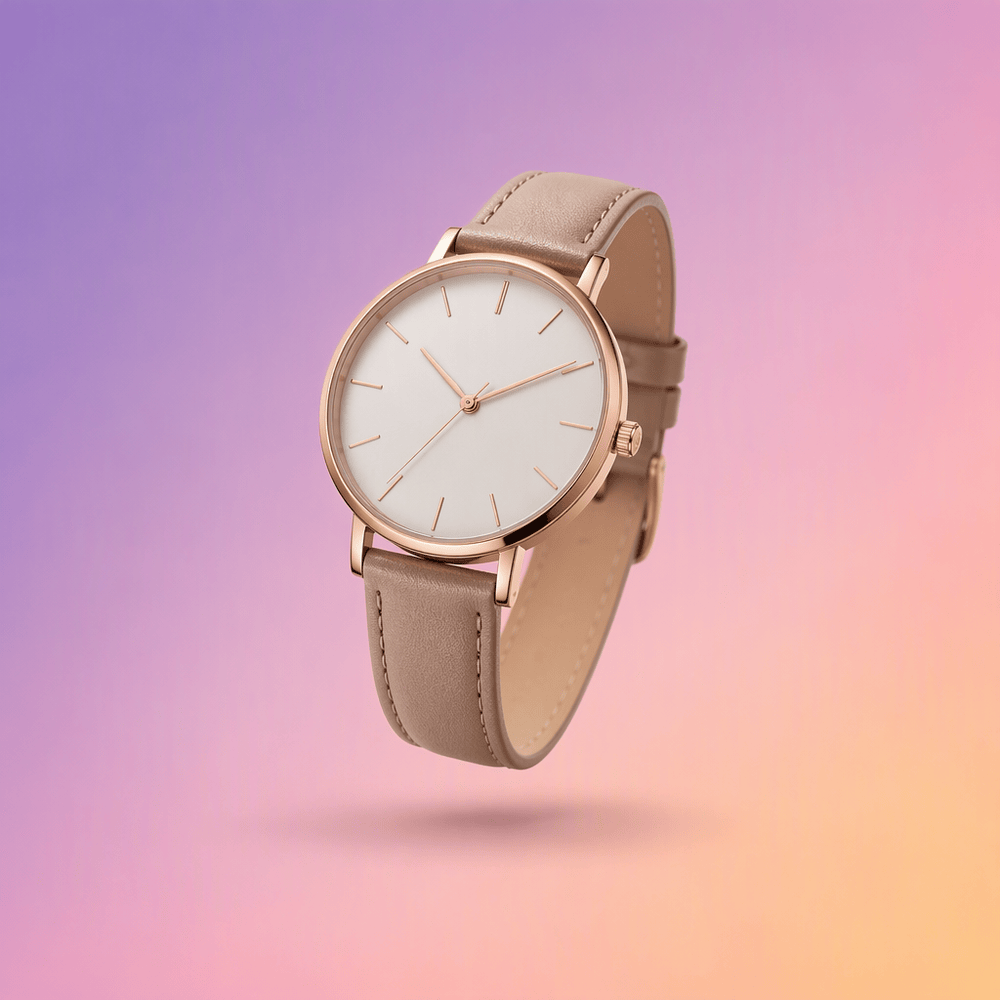
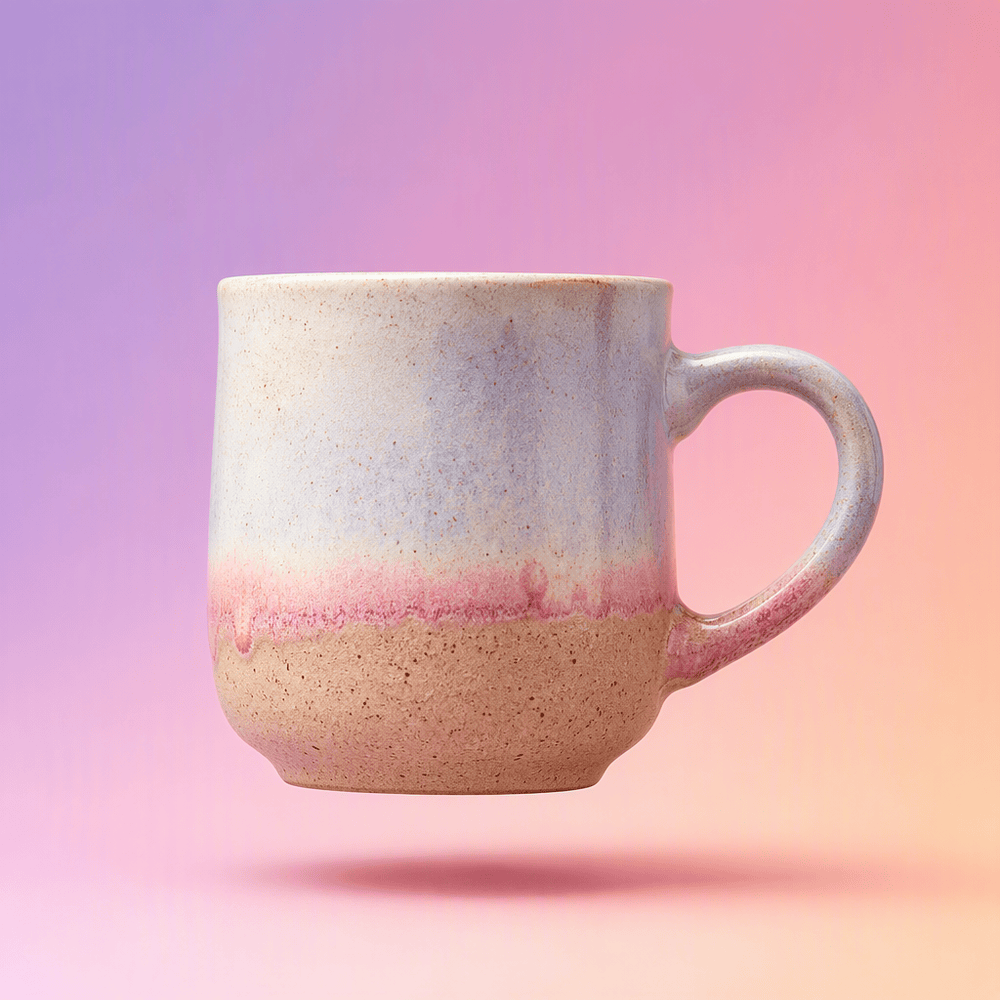
The Gallery block lays images out in a responsive grid with consistent gaps.


Media & Text
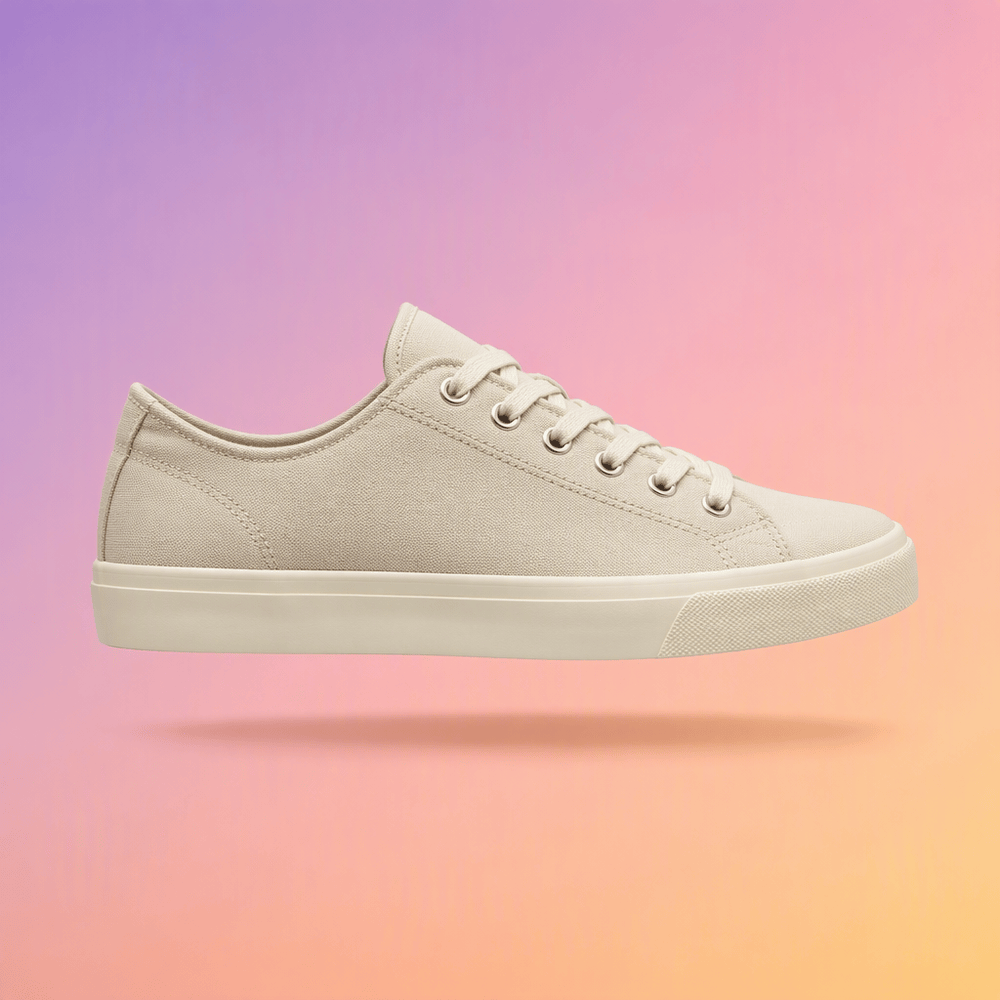
Image beside text
Media & Text pairs an image with copy and stacks them on small screens. Useful for product highlights or feature callouts inside an article.
Cover
Text over an image
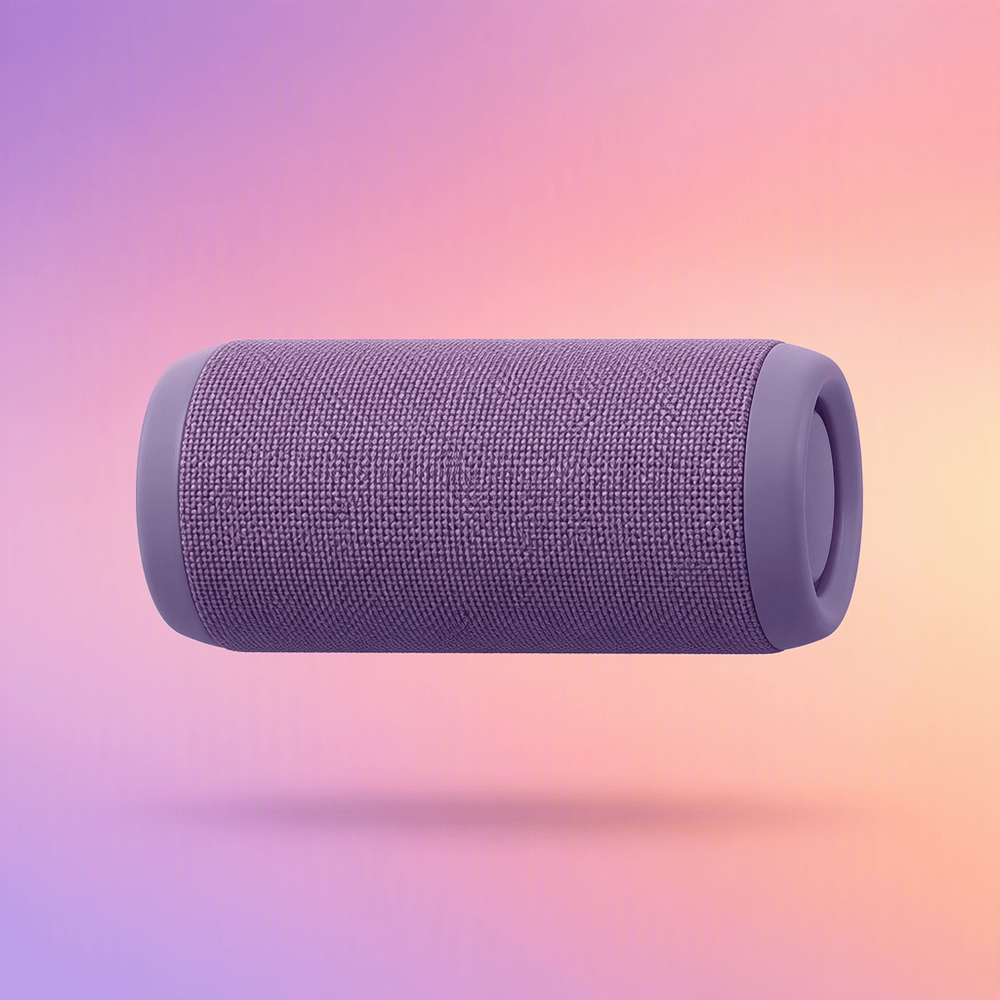
The Cover block dims the background so overlaid copy stays readable.
Columns
Equal widths
Columns split evenly by default and stack on mobile without extra work.
Custom widths
Set a percentage per column when you need an asymmetric layout.
Nested blocks
Any block can live inside a column – images, buttons, quotes, lists.
Details
Native collapsible sections – the theme styles the summary row and open state.
Does the theme work without the builder?
Yes. The theme renders posts, pages and WooCommerce on its own; the builder is entirely optional.
Can sections be edited after insertion?
Every text and image stays editable in place. Click text to type, click an image to swap it from the media library.
Is the theme translation-ready?
Five languages ship in the box. Add your own from the included .pot template.
Quote & Pullquote
Good design is as little design as possible. Less, but better – because it concentrates on the essential aspects.
Dieter Rams
The large quote style bumps the type size for a pull-out moment mid-article.
Quote, large style
The best interface is no interface. The best interaction is the one you never notice.
Golden Krishna
Lists
Bullets use a custom marker; nesting and ordered lists follow the same rhythm.
- 214 ready-made sections across 15 categories
- Inline editing for every text and image
- Click text to type
- Click an image to open the media library
- WooCommerce templates included
- Install and activate the theme
- Accept the prompt to add Uny Builder
- Open a page and start adding sections
Table
| Feature | Free themes | Uny |
|---|---|---|
| Section builder | – | 214 sections |
| Inline editing | – | Yes |
| WooCommerce | Basic | Full templates |
| Translations | 1 language | 5 languages |
| Plan | Best for | Price |
|---|---|---|
| Starter | Personal sites | $0 |
| Studio | Freelancers | $29 |
| Business | Agencies | $79 |
Code, Preformatted & Verse
add_action( 'wp_enqueue_scripts', function() {
    wp_enqueue_style( 'my-styles', get_stylesheet_uri() );
} );
Preformatted text
keeps its spacing
exactly as typed.
Line breaks are preserved here,
  which makes this block
    a good fit for poetry.
Search
The Search block matches the theme’s input and button styling.
Latest Posts
- Shipping a Landing Page in an AfternoonMomentum matters more than perfection on day one. With a library of ready-made sections, you assemble a credible landing page in an…
- A Practical Color System That ScalesColor is the fastest signal in any interface. A small, disciplined palette with clear roles – surface, text, accent – keeps a growing…
- Designing with Intention: Less Interface, More MeaningGreat products rarely feel busy. They feel obvious. Every element earns its place, and everything else is quietly removed.
Categories & Tag Cloud
- Branding (1)
- Career (2)
- Design (4)
- Development (7)
- Product (2)
- Technology & Innovation (3)
Social Links
Separators
Three registered styles: default, wide and dots.